If you edit video for YouTube, client work, filmmaking, or social content, your laptop needs to do three things extremely well: play footage smoothly, export fast, and show accurate color. That means prioritizing a strong CPU for encoding, a capable GPU for effects and timeline acceleration, enough RAM to avoid stutters, and a display you can actually trust when you’re color grading.
In this guide, I’m ranking the best laptops for video editing based on performance and creator-friendly hardware.
Quick buying checklist for video editing (so you don’t overpay)
Before you choose, use these quick rules:
CPU: For Premiere Pro / Resolve / After Effects, aim for modern high-core CPUs. Intel Core Ultra and Apple M-series Pro chips are great choices for mobile editing.
GPU: If you do heavy effects, noise reduction, Fusion/AE comps, or GPU-accelerated color grading, prioritize RTX 4060/4070+ or higher. More VRAM helps with 4K+ timelines.
RAM: 32GB is the sweet spot. If you use After Effects heavily or work with RAW/6K/8K, 64GB is ideal.
Storage: Fast SSD matters. 1TB minimum, and 2TB+ is better if you keep footage local.
Display: Look for high brightness (around 500 nits for bright rooms), wide color coverage (like 100% sRGB / DCI-P3), and enough resolution for a clean edit workspace.
Ports: SD card reader, HDMI, and Thunderbolt/USB4 save you time and dongles.
Best Laptops for Video Editing



1) Apple MacBook Pro M4 (M4 Pro, 14-core CPU / 20-core GPU)

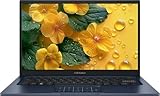
If you want a laptop that feels “built for editors,” the MacBook Pro with M4 Pro is the most complete option here. The configuration includes an M4 Pro with a 14-core CPU and 20-core GPU, plus 24GB unified memory and a 512GB SSD.
Why it’s great for video editing
Fast timeline performance: Apple silicon is extremely efficient at playback and exports, especially in optimized workflows (ProRes, H.264/H.265 pipelines, etc.).
Color and HDR-friendly display: MacBook Pro models are popular with editors because the screen is built for content creation, and Apple markets the Liquid Retina XDR panel as a pro-grade display option.
Creator ports without drama: Pro configurations commonly include Thunderbolt ports, HDMI, an SD card slot, and MagSafe—exactly the port mix video editors appreciate.
Best for
Editors who want a premium, reliable machine for professional workflows—especially if you work in Final Cut Pro, Premiere Pro on macOS, or deliver frequent client exports.
Watch-outs
512GB fills fast with footage and cache. If you edit locally, budget for external SSDs or consider larger internal storage.
2) ASUS ProArt P16 (Creator-first 4K OLED + RTX 4060)
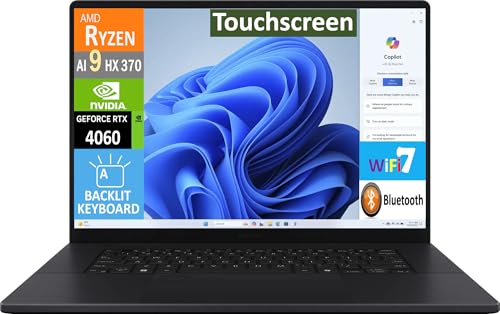
The ProArt P16 is a creator laptop that’s designed around the two things editors obsess over: display quality and creative performance. This configuration includes a 16-inch 4K (3840×2400) touchscreen OLED, an AMD Ryzen AI 9 HX 370, 32GB LPDDR5X, a 2TB SSD, and an NVIDIA GeForce RTX 4060 with 8GB VRAM.
Why it’s great for video editing
4K OLED workspace: A 16-inch 3840×2400 panel gives you room for full-res preview plus timeline and scopes—especially helpful in Resolve.
RTX 4060 acceleration: Great for GPU-accelerated effects, color grading tools, and faster renders when your software leans on the GPU.
Big SSD out of the box: The included 2TB SSD is practical for editors who don’t want to live on externals from day one.
Best for
Creators who want a Windows laptop with a high-end display for editing and color work—especially if you do a mix of video, design, and content production.
Watch-outs
OLED is gorgeous, but for long sessions, you’ll want sensible brightness and UI habits (auto-hide taskbars, avoid static UI at max brightness) like you would on any OLED.
3) Dell Pro 16 (Business-grade value pick with lots of RAM/storage)

Not everyone needs a “creator” or “gaming” laptop to edit video—especially if you’re cutting 1080p/4K with light effects, or you care more about reliability and everyday usability.
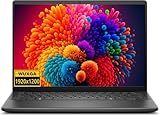
This Dell Pro 16 configuration includes a 16-inch WUXGA (1920×1200) IPS display, an Intel Core 5 120U, 64GB DDR5 RAM, a 2TB SSD, plus Wi-Fi 6E, Bluetooth 5.3, and Windows 11 Pro.
Why it’s good for video editing
64GB RAM is a big deal at this price category. RAM helps when you’re juggling large timelines, multiple apps, browser tabs, and heavy caches.
2TB SSD gives you working space for footage, proxies, previews, and exports.
16:10 WUXGA panel (1920×1200) gives you extra vertical timeline room compared to 16:9 screens.
Best for
Editors who want a practical “work laptop” that can also cut video—especially if your editing style is more straightforward (YouTube edits, social content, light color correction).
Watch-outs
This configuration appears more business-focused than GPU-focused, so it won’t match the export/effects speed of the RTX machines on this list. Verify the exact GPU before buying if you rely on heavy effects.
4) Lenovo ThinkPad P1 Gen 7 (Portable workstation for serious creators)
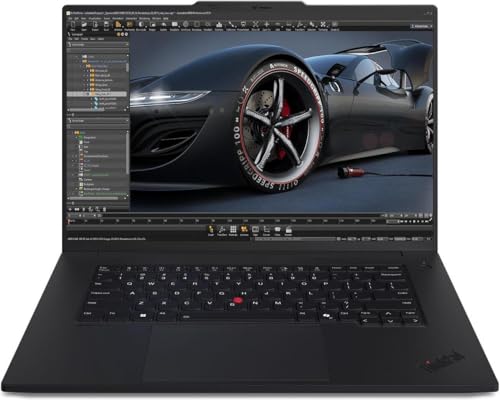
The ThinkPad P1 line has a strong reputation for being a “real workstation” in a relatively portable form. This configuration includes an Intel Core Ultra 9 185H vPro, an NVIDIA GeForce RTX 4070 Laptop GPU (8GB GDDR6), 64GB LPDDR5X, a 2TB PCIe Gen4 SSD, and a 16-inch 2560×1600 IPS display rated at 500 nits, 165Hz, and 100% sRGB.
Why it’s great for video editing
RTX 4070 GPU = faster effects + smoother playback: Great for GPU-heavy workloads like noise reduction, AI tools, and complex color nodes.
Bright, color-reliable display: 500 nits and 100% sRGB are excellent for consistent work in brighter environments.
Workstation portability: Weight starting at 1.78 kg / 3.92 lbs is strong for this performance tier.
Best for
Professional editors, motion designers, and creators who want workstation performance on the go—especially if you also care about ThinkPad keyboard feel, build, and business ergonomics.
Watch-outs
Like many thin workstations, thermals and fan noise can vary by workload—expect the machine to ramp up during long exports.
5) ASUS ROG Zephyrus G16 (High-performance “hybrid” editing + gaming beast)
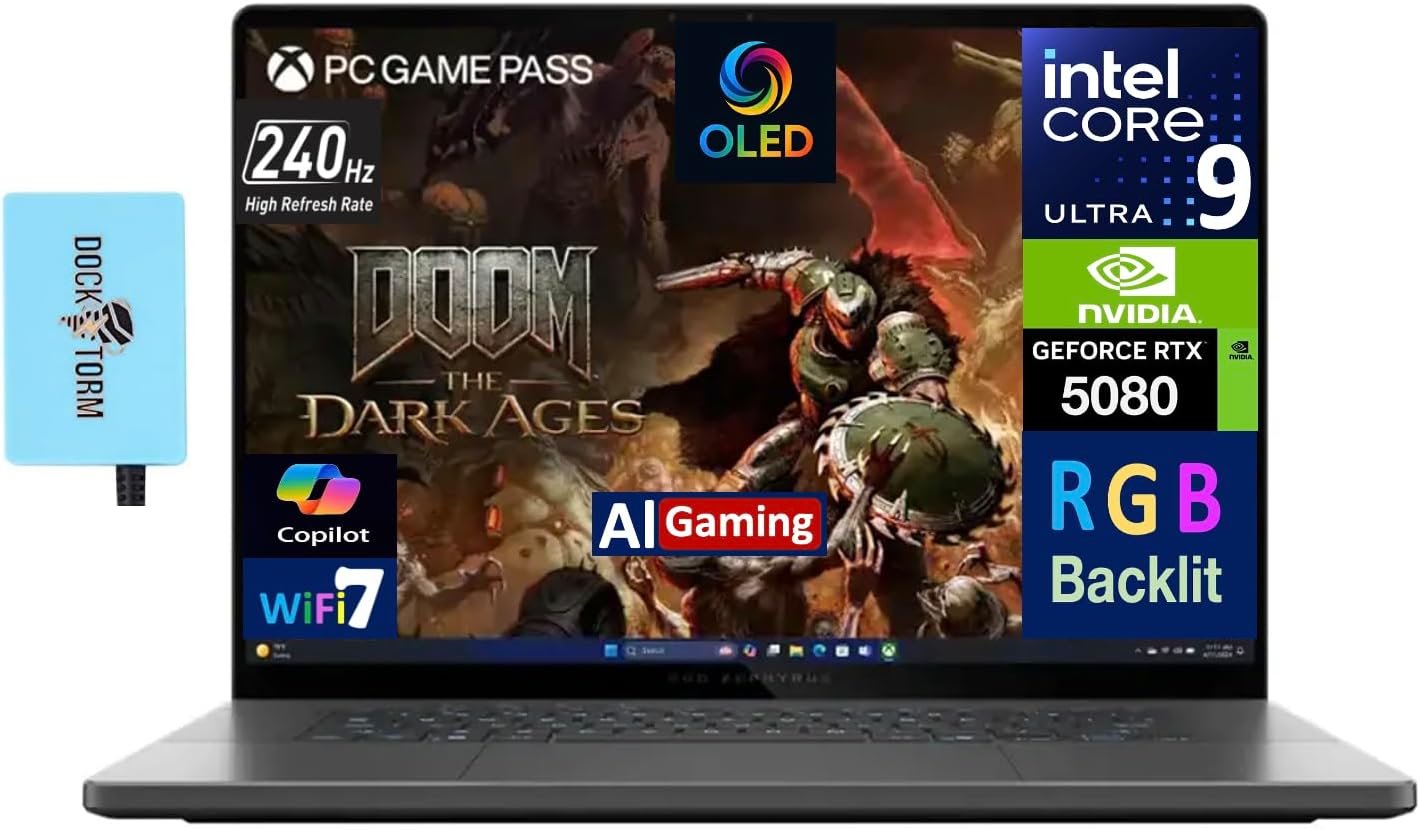
If you want a laptop that can crush creative work and still be a top-tier gaming machine, the Zephyrus G16 is one of the best “hybrid” choices.
This configuration includes an Intel Core Ultra 9 285H, GeForce RTX 5080 (16GB), 32GB LPDDR5X, and a massive 4TB SSD, plus Wi-Fi 7, Bluetooth 5.4, and Windows 11 Pro. Depending on the specific variant, the Zephyrus G16 line can feature a 16-inch 2.5K (2560×1600) OLED display with wide color support.
Why it’s great for video editing
RTX 5080 + 16GB VRAM is serious creator horsepower for GPU-accelerated workflows and demanding timelines.
4TB SSD is huge for editors who want to keep active projects local without constantly shuffling drives.
Creator-friendly connectivity: Strong port selection on this class of machine is excellent for cameras, external displays, and fast offloads.
Portable for the power: For a performance laptop, it stays relatively travel-friendly.
Best for
Editors who want top-end Windows performance (Resolve/Premiere/After Effects), fast GPU tools, and a premium OLED display—while also getting a legit gaming machine after hours.
Watch-outs
High-performance laptops can get loud under sustained exports. If you render for hours daily, consider a stand or cooling setup.
Conclusion: Which is the best laptop for video editing?
Choosing the best laptop for video editing comes down to how you edit:
If you want the most polished “pro editor” experience and great port selection, the Apple MacBook Pro M4 Pro is the top overall pick.
If you want a Windows creator laptop with a stunning 4K OLED and strong GPU acceleration, the ASUS ProArt P16 is a standout.
If you want workstation-class Windows power with a bright, color-reliable screen, the Lenovo ThinkPad P1 Gen 7 is built for serious production.
If you want maximum GPU horsepower and storage in a portable chassis, the ROG Zephyrus G16 is a monster hybrid option.
If you’re on a more practical “work laptop that can edit” path and value RAM/SSD, the Dell Pro 16 configuration is a sensible value pick.
If you want, I can also format this into an even more “affiliate-friendly” layout (more scannable headings, pros/cons per laptop, and a short FAQ) without changing the core content.